
Watchdog
- macOS
See who walked up to your Mac while you were away — face and motion detection, with every capture staying on the device

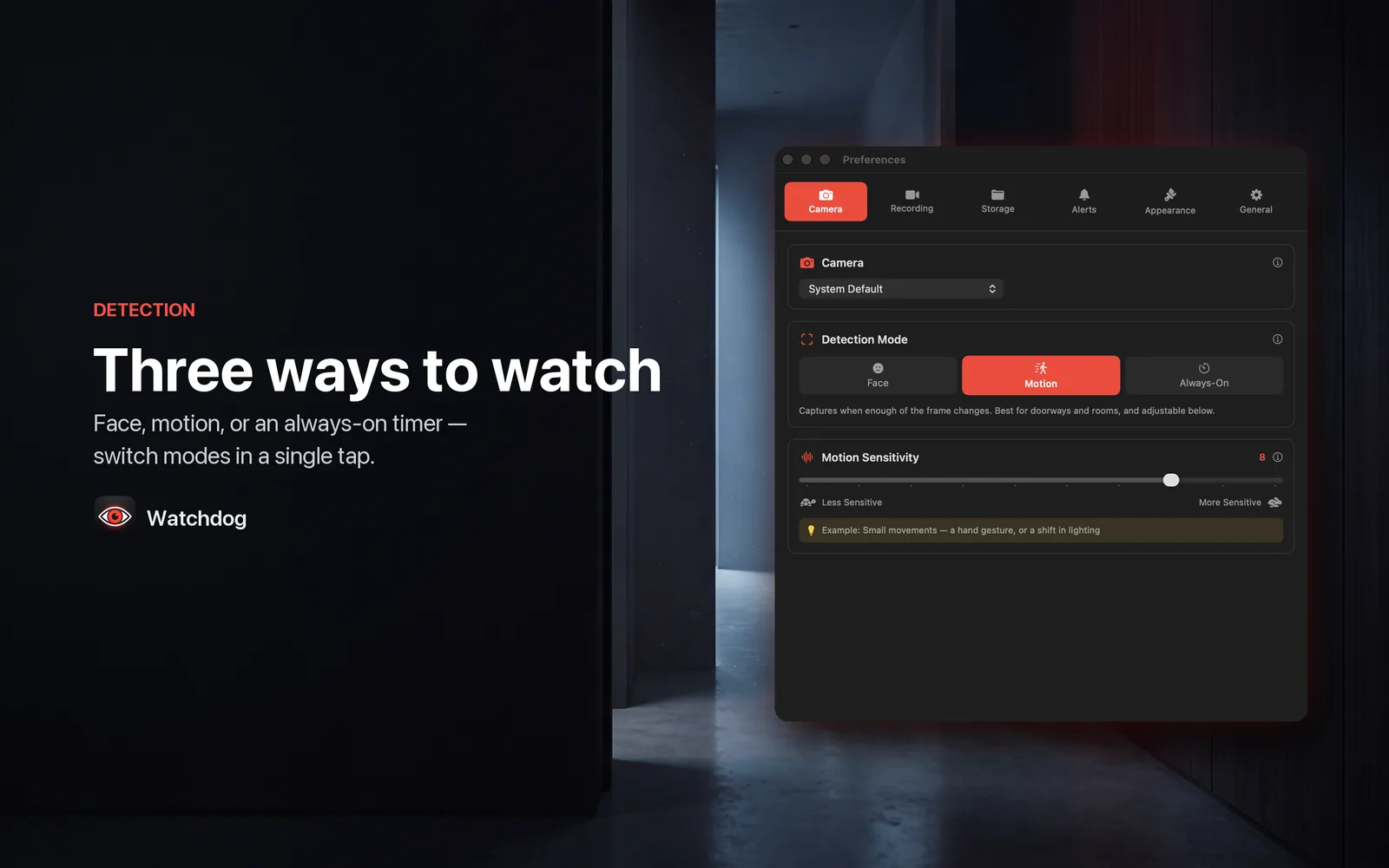
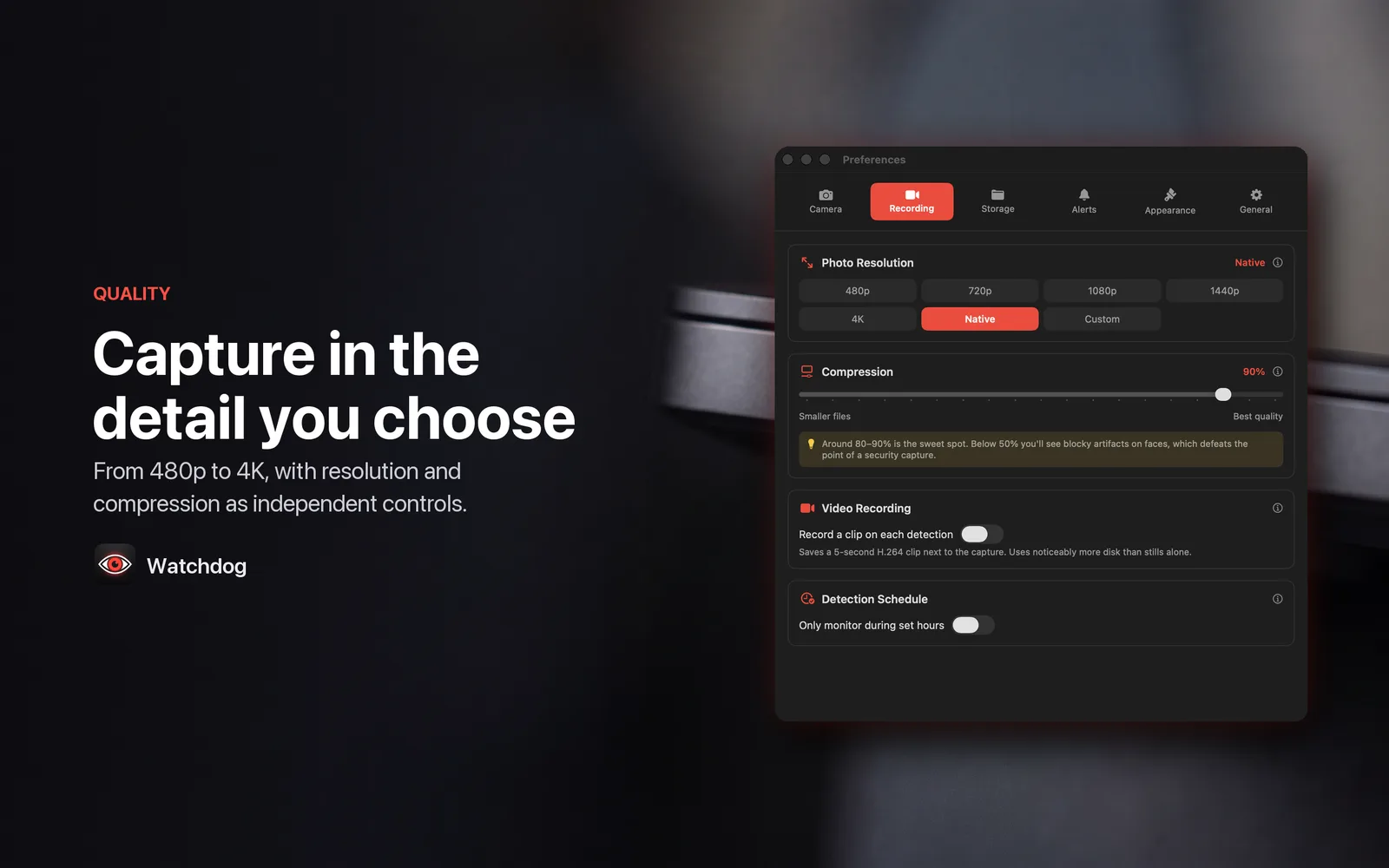
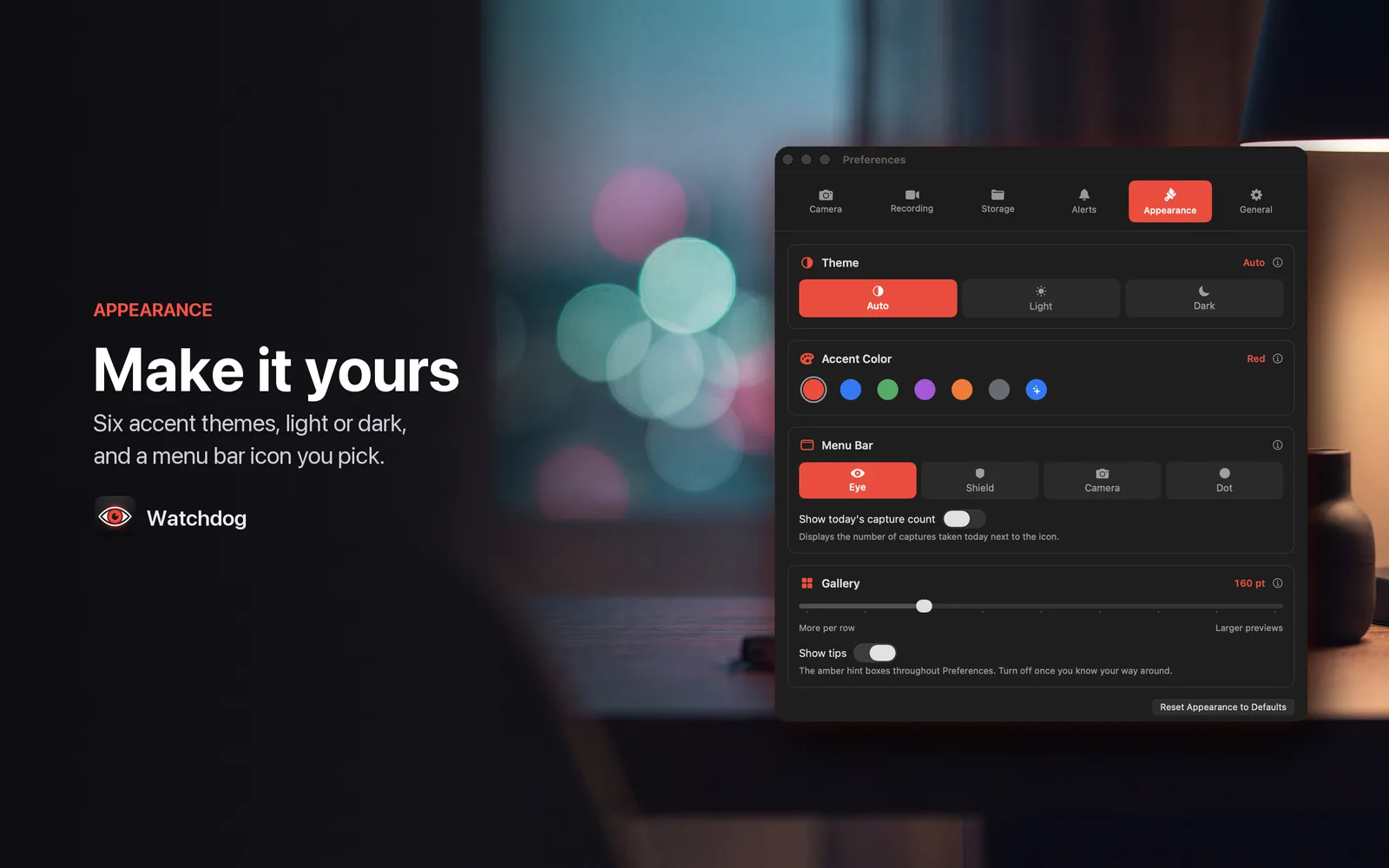
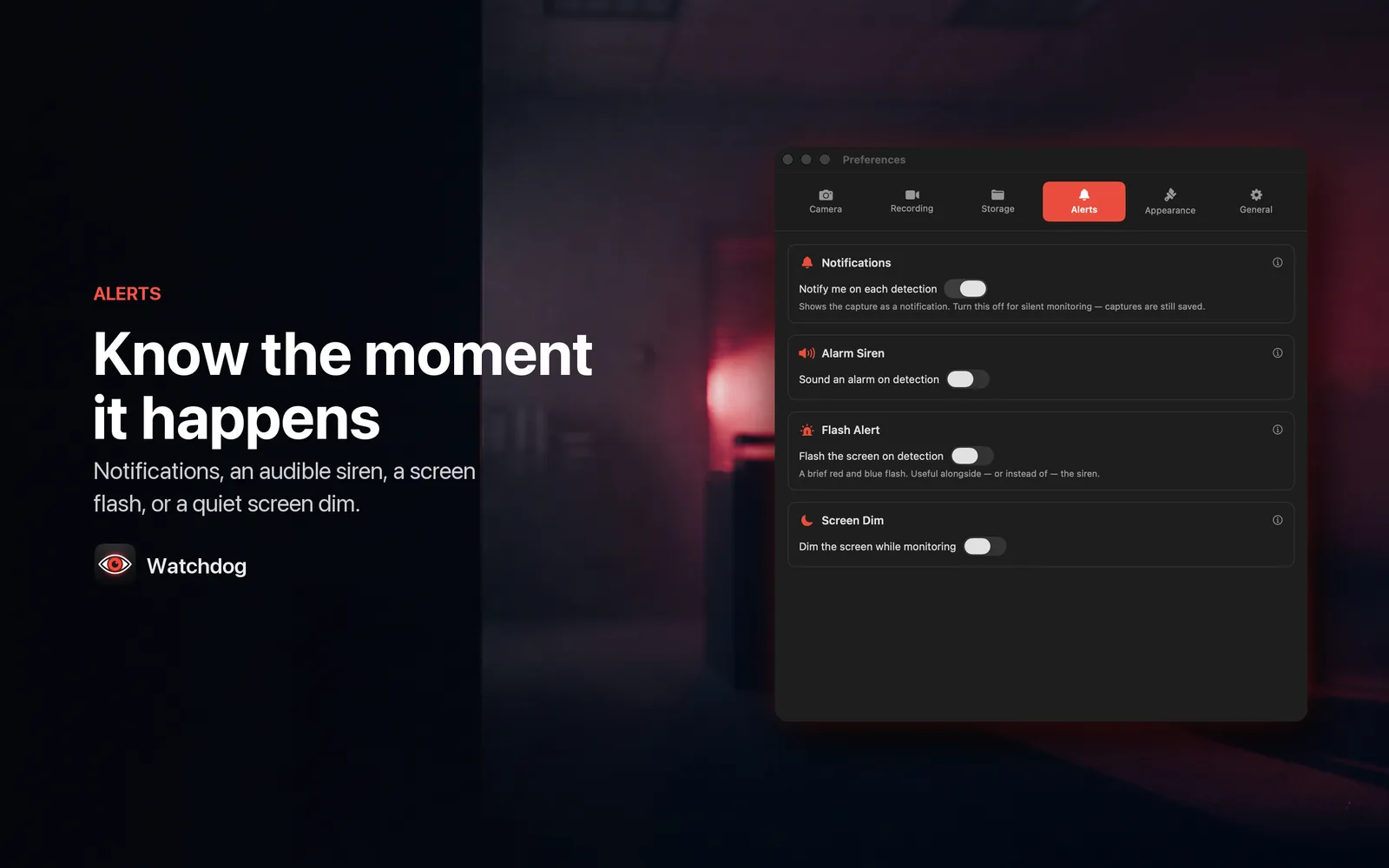
Watchdog watches your own desk through your own Mac's camera. There are three ways to run it: Apple's Vision framework watching for a face, Accelerate comparing frames for movement at a sensitivity you set, or a plain Always-On timer that shoots on an interval anywhere from one second to one hour. Face and motion both wait 3 seconds between triggers, so one person walking past doesn't fill the folder. Resolution and compression are separate controls — 480p through 4K, the camera's native size, or an exact pixel size you type, at whatever JPEG quality you want — because how much detail exists and how cleanly it's stored are different decisions. Captures are written to a folder you pick on this Mac and go nowhere else: the app ships with no network entitlement, so it cannot make an HTTP request even if it wanted to — no account, no analytics, no sync, nothing sent to the developer. Monitoring never starts on its own. You read a first-run recording notice, accept it, and switch monitoring on yourself; launching at login starts the app, not the camera. The menu bar icon is visible the entire time, and macOS lights its green camera indicator whenever the camera is open — Watchdog cannot suppress it and doesn't try. Free keeps captures for 3 days. Watchdog Pro is $3.99/month or $29.99/year, and the annual plan starts with a 7-day free trial.
What it does
Who this is for
Anyone who wants to know who walked up to their own Mac while they were away from it.
App Size
Specs
- Platform
- macOS
- Built With
- Swift & SwiftUI
- Requires
- macOS 13+
- Telemetry
- None


You might also like

- macOS

DevLaunch
Developer dashboard — launch projects, track dev servers, manage env files, and monitor Git status
- macOS
ToggleNotch
Add a virtual notch to any Mac display with customizable audio and brightness HUDs
- macOS

PortMap
Shows every active network port on your Mac with the process using it — kill, bookmark, and monitor in real time