ToggleNotch
MENU BARComing Soon · Q4 2026
- macOS
Add a virtual notch to any Mac display with customizable audio and brightness HUDs
ToggleNotch creates a virtual notch overlay on any Mac display — whether or not your Mac has a physical notch. Toggle it on or off from the menu bar, customize per-display visibility, and enjoy built-in audio and brightness HUD overlays that slide from the notch. A fun cosmetic utility for notch enthusiasts or developers testing notch-aware layouts.
What it does
Virtual notch overlay on any display
Per-display visibility settings
Audio and brightness HUD overlays
Toggle on/off from menu bar
Who this is for
Notch enthusiasts and developers testing notch-aware app layouts.
Specs
- Platform
- macOS
- Built With
- Swift & SwiftUI
- Requires
- macOS 13+
- Telemetry
- None
Built with:SwiftUINSWindowDisplayServicesIOKit
notchvirtual notchdisplay notchmacbook notchnotch overlay
You might also like
- macOS

Ghostmark
AvailableFree · Open source
Tiles a live, customizable watermark across every desktop — text, icons, and date/user tokens
watermarkdesktop overlayscreen recording
- macOS
WordEraser
In the Lab
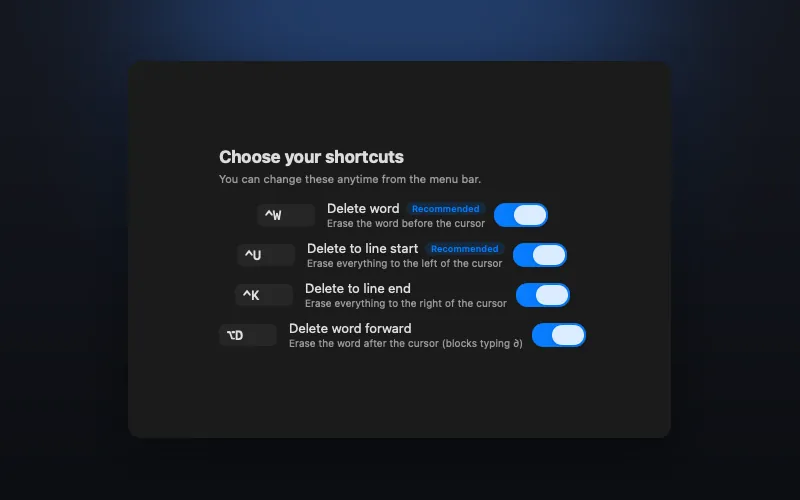
Terminal-style Ctrl+W word delete that works in every macOS app, not just the shell
readlinectrl+wtext editing

- macOS

MenuBarStats
In the Lab
SSD, CPU, and memory percentages, live in the menu bar
system monitorcpu usagememory usage