Deadbolt
- macOS
Locks individual apps behind Touch ID — authenticate before opening Messages, Photos, or any app you choose
Deadbolt adds per-app authentication to macOS. Add any app to your protected list and it requires Touch ID (or password fallback) before you can see its windows. When a protected app gains foreground focus, Deadbolt immediately hides its windows — before content is visible — and presents an auth panel. Session modes let you choose: authenticate every time, once per session, or on a timer. Emergency lock (Cmd+Shift+L) seals everything instantly. Auto-locks on screen lock, sleep, and lid close. Stealth mode hides protected app content from Mission Control.
What it does
Who this is for
Anyone who shares a Mac or wants per-app privacy without locking the whole machine.
Specs
- Platform
- macOS
- Built With
- Swift & SwiftUI
- Requires
- macOS 13+
- Telemetry
- None


You might also like

- macOS

Haze
Automatically dims inactive monitors to reduce eye strain and save power
- macOS

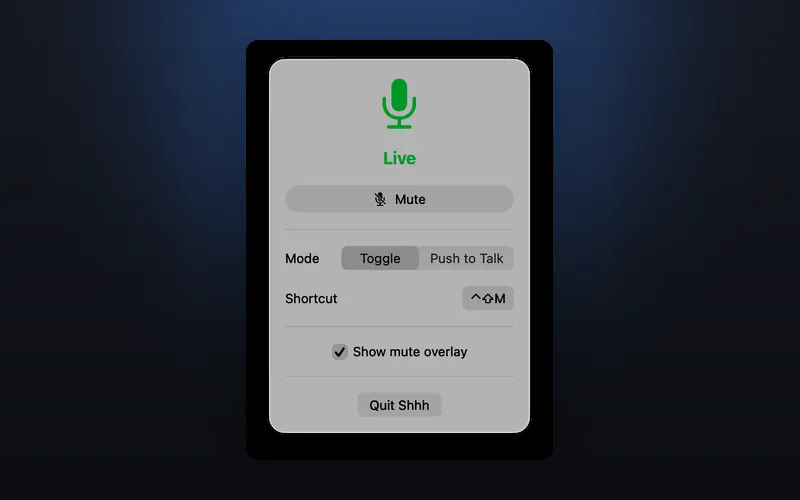
Shhh
One-click microphone mute from your menu bar with a global hotkey toggle
- macOS

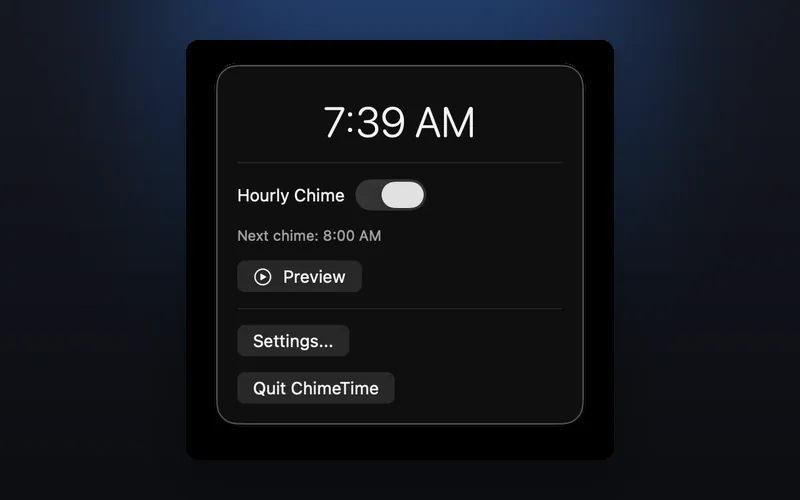
ChimeTime
Hourly time chime that slides a beautiful notification down from your MacBook's notch