
PortMap
MENU BARComing Soon · Q3 2026
- macOS
Shows every active network port on your Mac with the process using it — kill, bookmark, and monitor in real time
PortMap lives in your menu bar and scans active TCP and UDP ports using lsof, displaying a scrollable list of port numbers, protocols, process names, and PIDs. Kill any process with one click, copy localhost:PORT to clipboard, and bookmark ports you care about (like 3000, 8080, 5432) so they always appear at the top with a green/red active indicator. Get alerts when a bookmarked port comes online. Configurable refresh interval from 1 to 30 seconds.
What it does
Real-time TCP and UDP port scanning via lsof
Kill any process with one click + confirmation
Bookmark ports with green/red active indicators
Alerts when bookmarked ports come online
Copy localhost:PORT to clipboard
Search and filter by port number or process name
Configurable refresh interval (1–30 sec)
Who this is for
Developers who need to see what's running on which port and kill it fast.
Specs
- Platform
- macOS
- Built With
- Swift & SwiftUI
- Requires
- macOS 13+
- Telemetry
- None
Built with:SwiftUIProcess/PipeActorsUserDefaults
port scannernetwork portsprocess managerkill portlocalhostdeveloper tools


You might also like

- macOS

Mira
In the Lab
Loops a recorded clip of you through a virtual camera so you can step away from a call
virtual cameravideo callwebcam loop
- macOS

Aware
AvailableFree
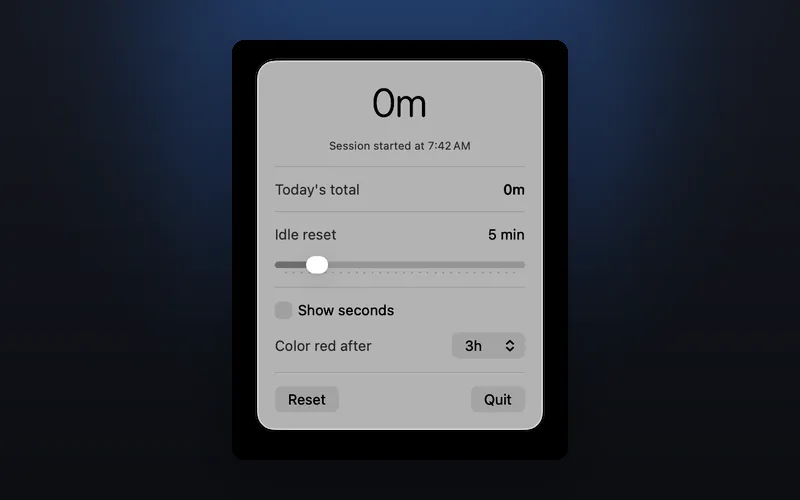
Tracks your active screen time with idle detection and session monitoring
screen timeactivity monitoridle detection

- macOS

WindowTiler
Coming Soon · Q3 2026
Auto-tile any app's windows into a perfect grid with one hotkey
window managerwindow tilinggrid layout