
SwipeClean
- iOS
Tinder for your camera roll — swipe left to clean, right to keep, and nothing is deleted until you confirm
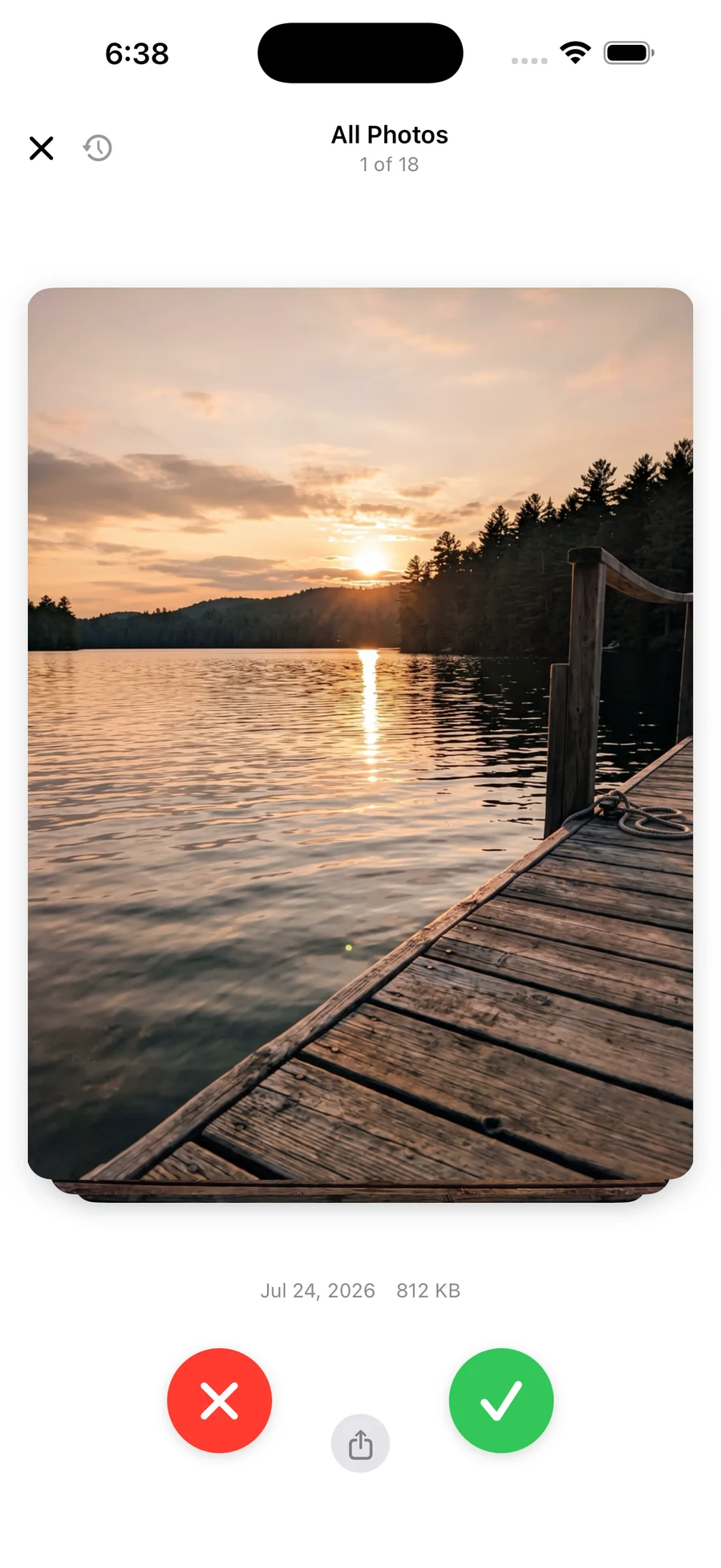
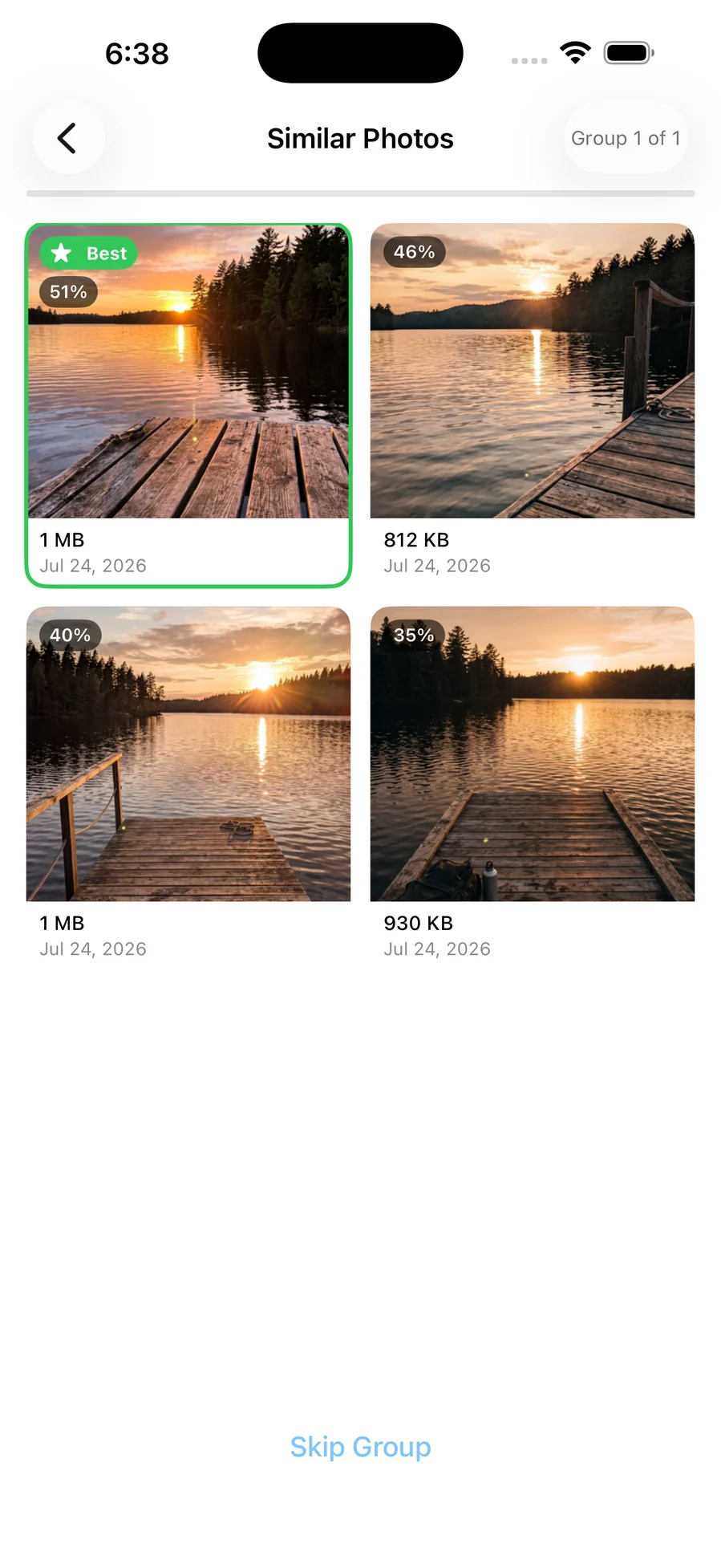
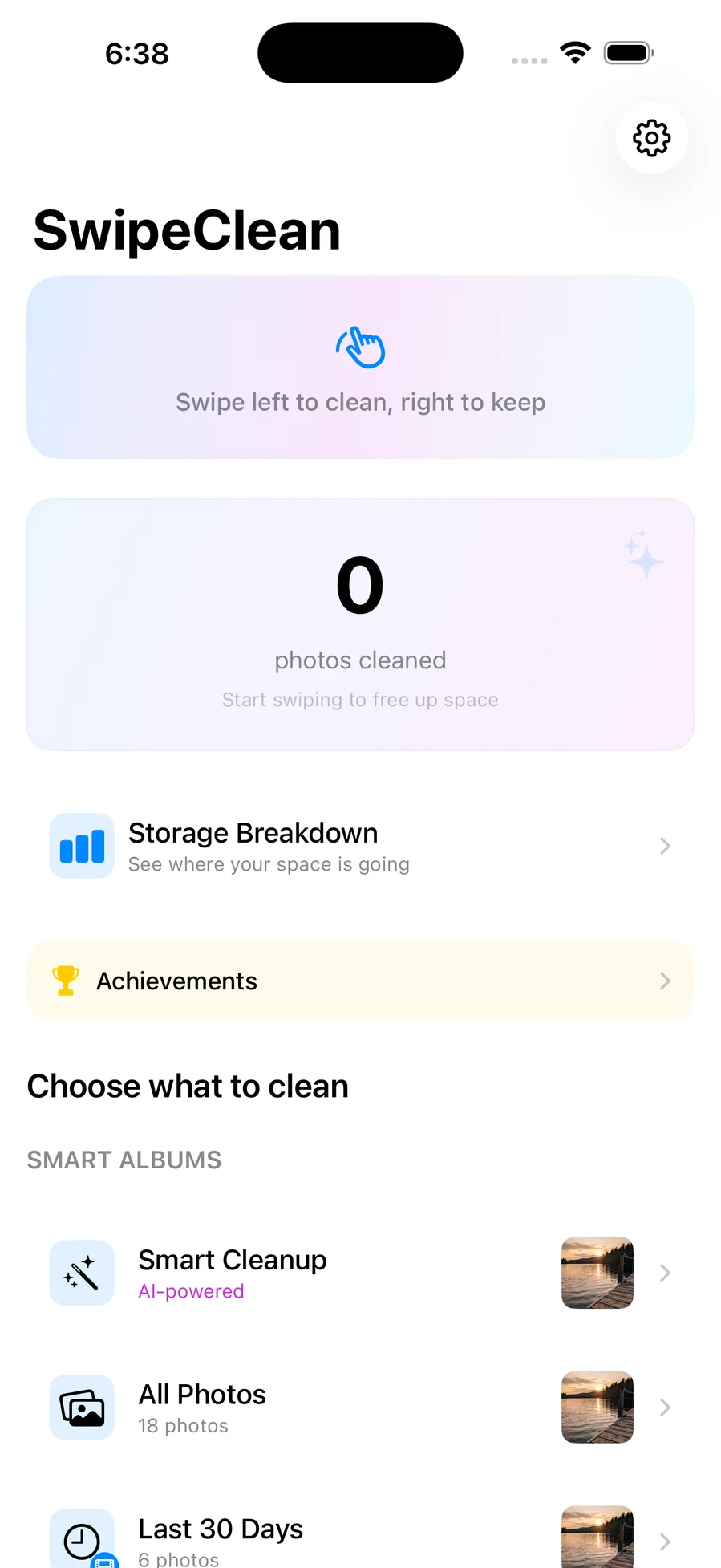
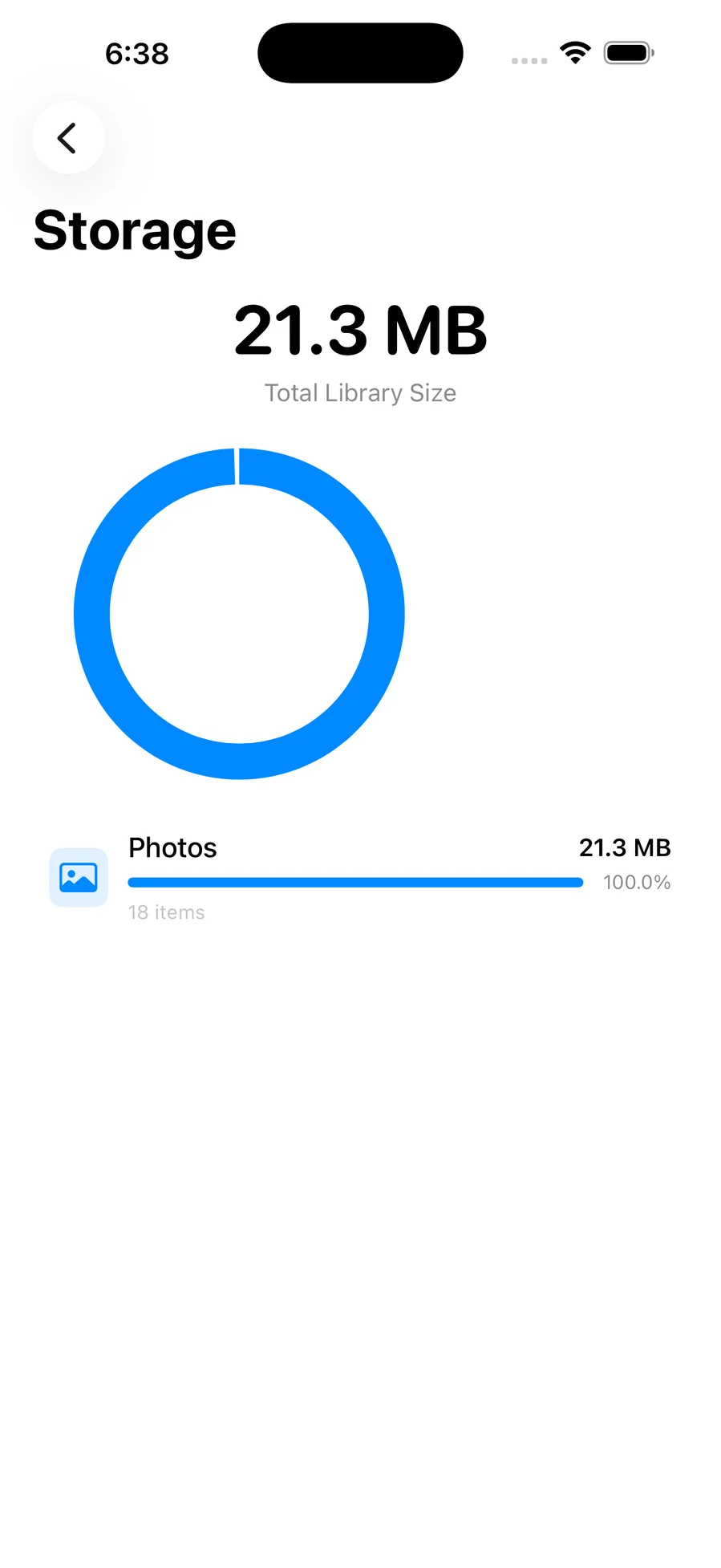
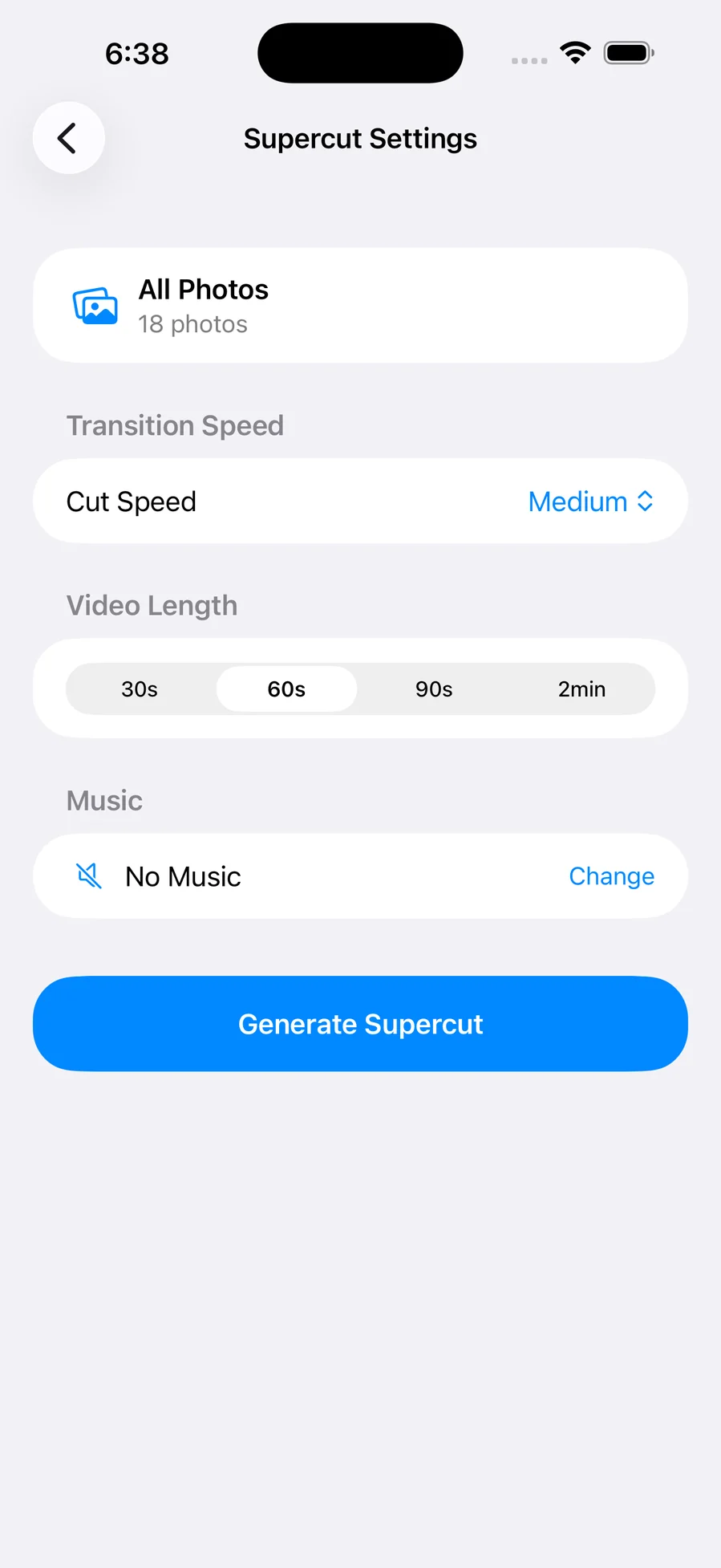
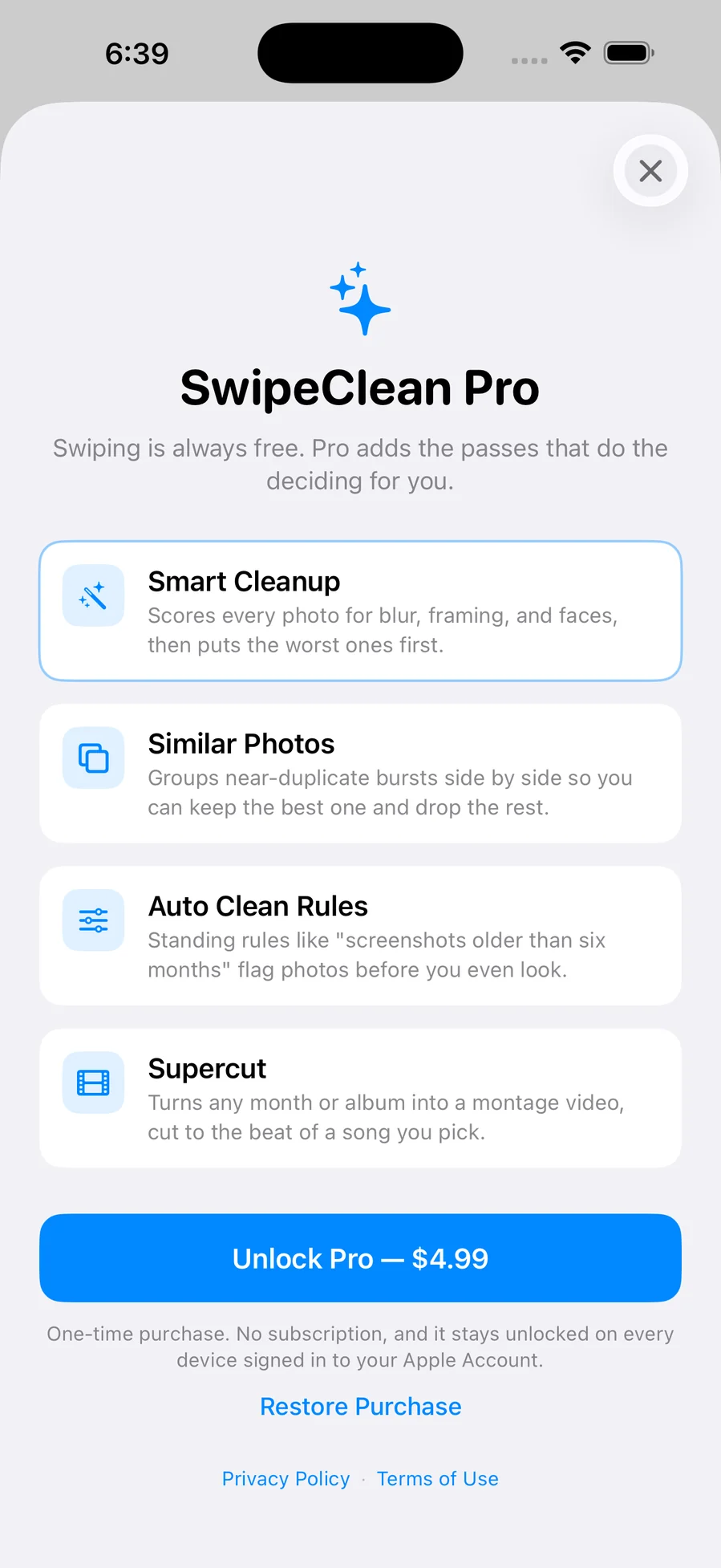
Your camera roll has thousands of photos and maybe a hundred you'd miss. SwipeClean gets you through the rest, one photo at a time, full screen, with real momentum and haptics. Nothing is deleted while you swipe: photos flicked left go to a queue you review as a grid before anything happens, and confirmed photos land in the Photos app's Recently Deleted album, where iOS keeps them for 30 days — the app cannot bypass that and doesn't pretend to. You pick where to start rather than scrolling from the beginning of time: Screenshots, Videos, Selfies, Live Photos, Favourites, On This Day, or any single month, each showing its own size so you can attack whichever is costing you the most. A storage dashboard measures the library by category before and after, so the figure you freed is measured rather than guessed. Every decision is reversible — undo the last swipe, or open the session's full history and flip any single photo back. There is no account, no analytics, and no server of ours; the only network traffic is iOS fetching a full-resolution original back from your own iCloud library when it had offloaded one. Swiping, batch deletion, undo, bulk select, the dashboard, streaks, and reminders are free forever. SwipeClean Pro, a one-time $4.99 purchase, adds the four automatic passes: Smart Cleanup scores every photo on device for sharpness, subject, and faces and puts the worst first; Similar Photos groups near-duplicate bursts side by side with scores; Auto Clean Rules apply standing rules like "screenshots older than six months"; and Supercut turns any album into a montage video cut to the beat of a song from your own library.
What it does
Who this is for
Anyone whose iPhone is out of space and who has been putting off the camera roll for years.
App Size
Specs
- Platform
- iPhone
- Built With
- SwiftUI, PhotoKit, Vision, AVFoundation, StoreKit 2
- Requires
- iOS 16.0 or later
- Telemetry
- None

You might also like

- iOS

ReceiptLog
Photograph a receipt, get a categorised expense, and hand your accountant one PDF at the end of the quarter

- iOS

Vitality
Meals, pantry and training in one place, with the nutrition maths done for you — and optional AI that runs on your own key

- iOS

Workout
A muscle map that shows which groups you actually trained this week, and an editor for writing the plans you actually do