
ReceiptLog
- iOS
Photograph a receipt, get a categorised expense, and hand your accountant one PDF at the end of the quarter
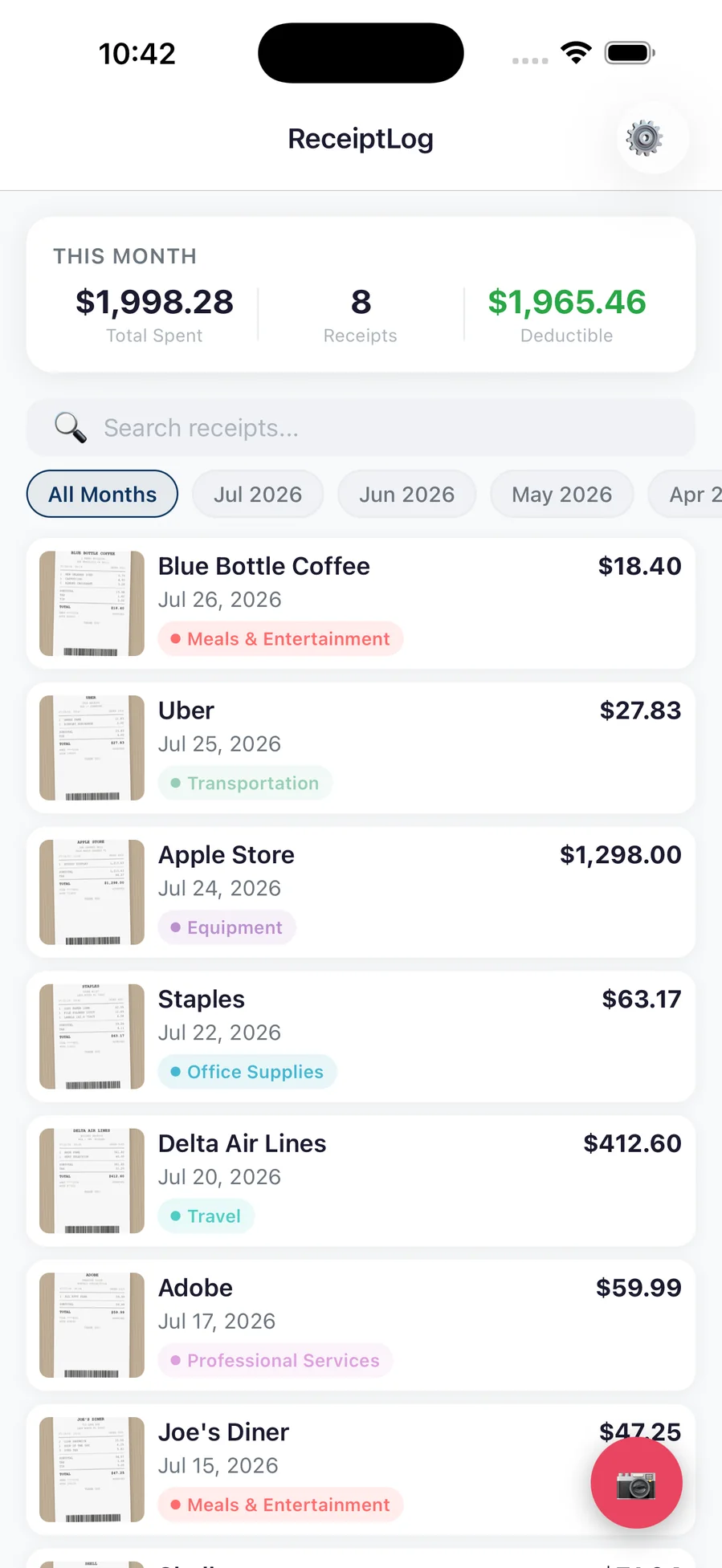
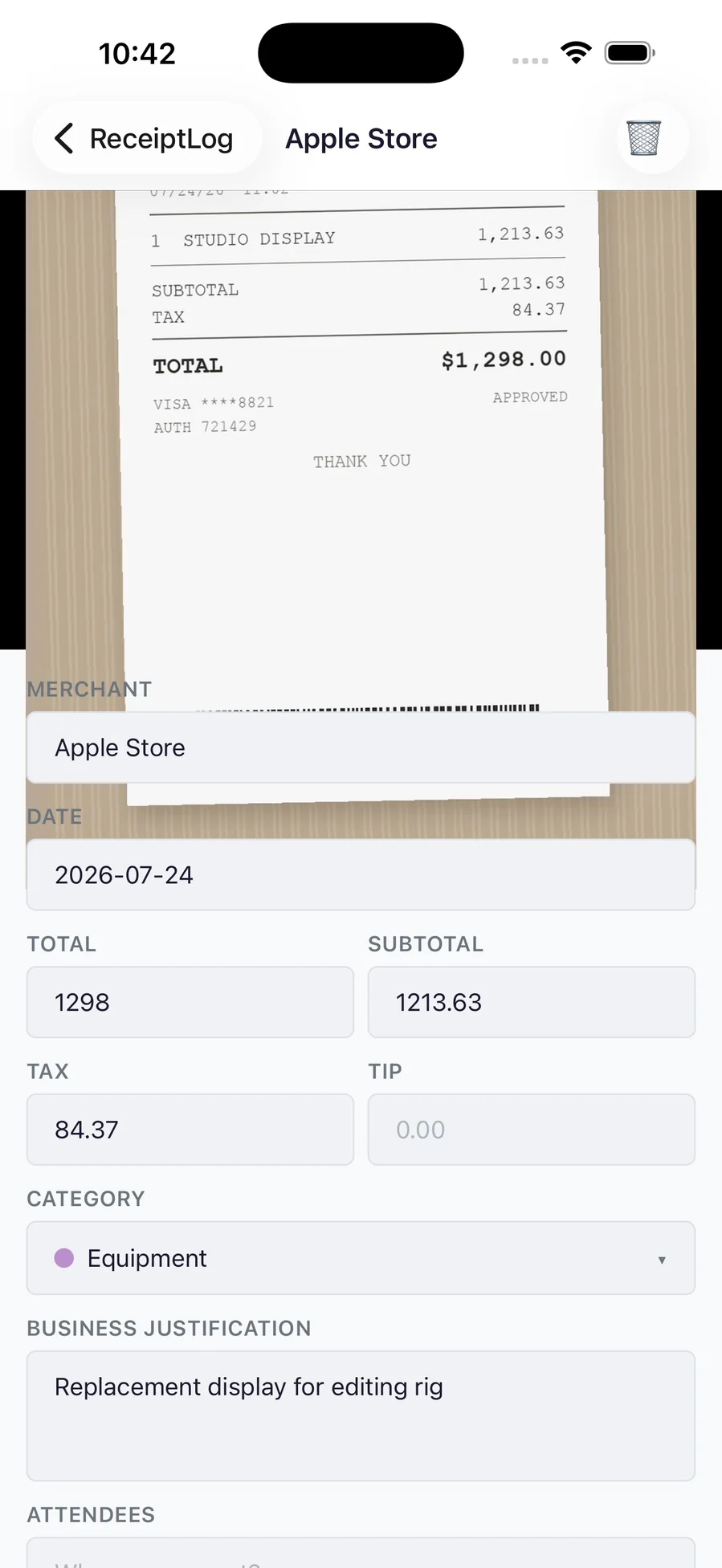
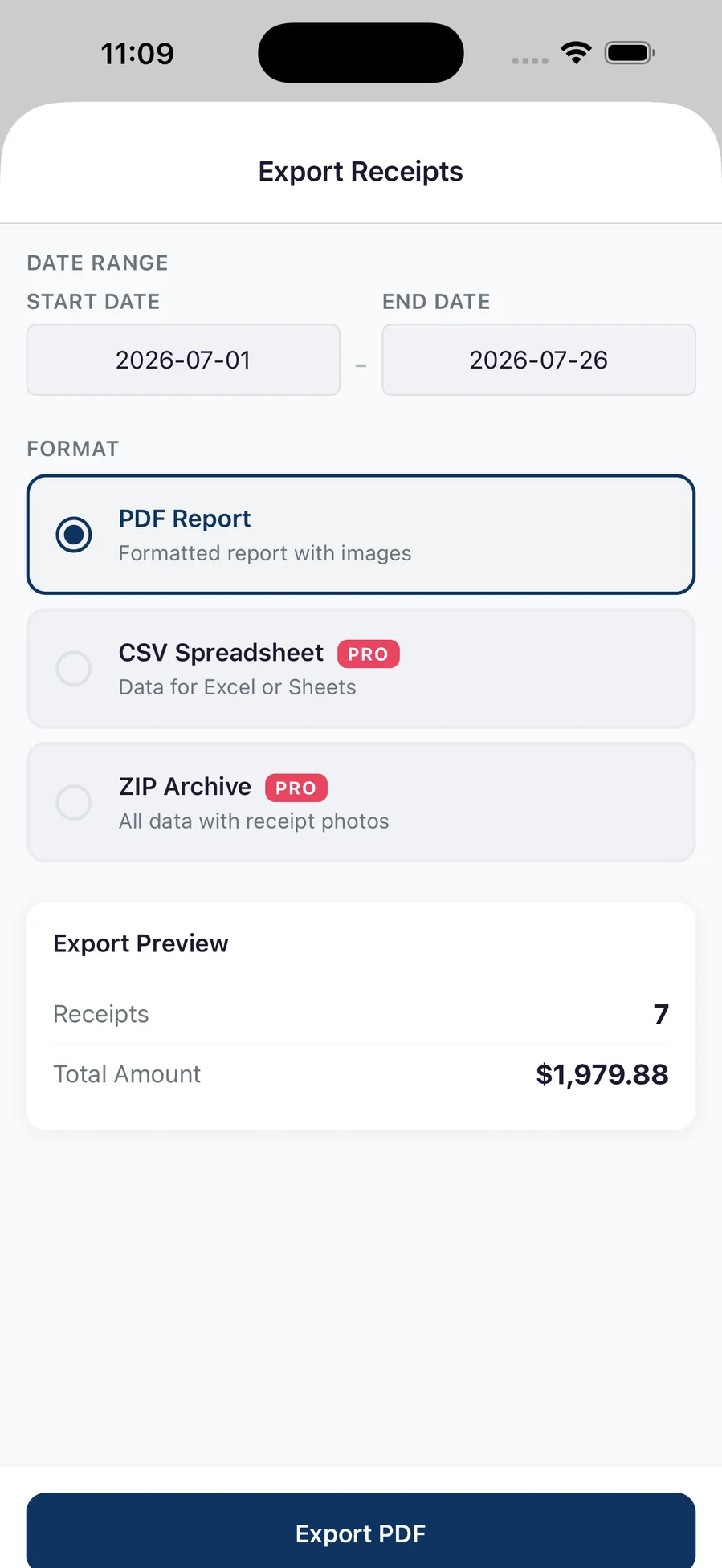
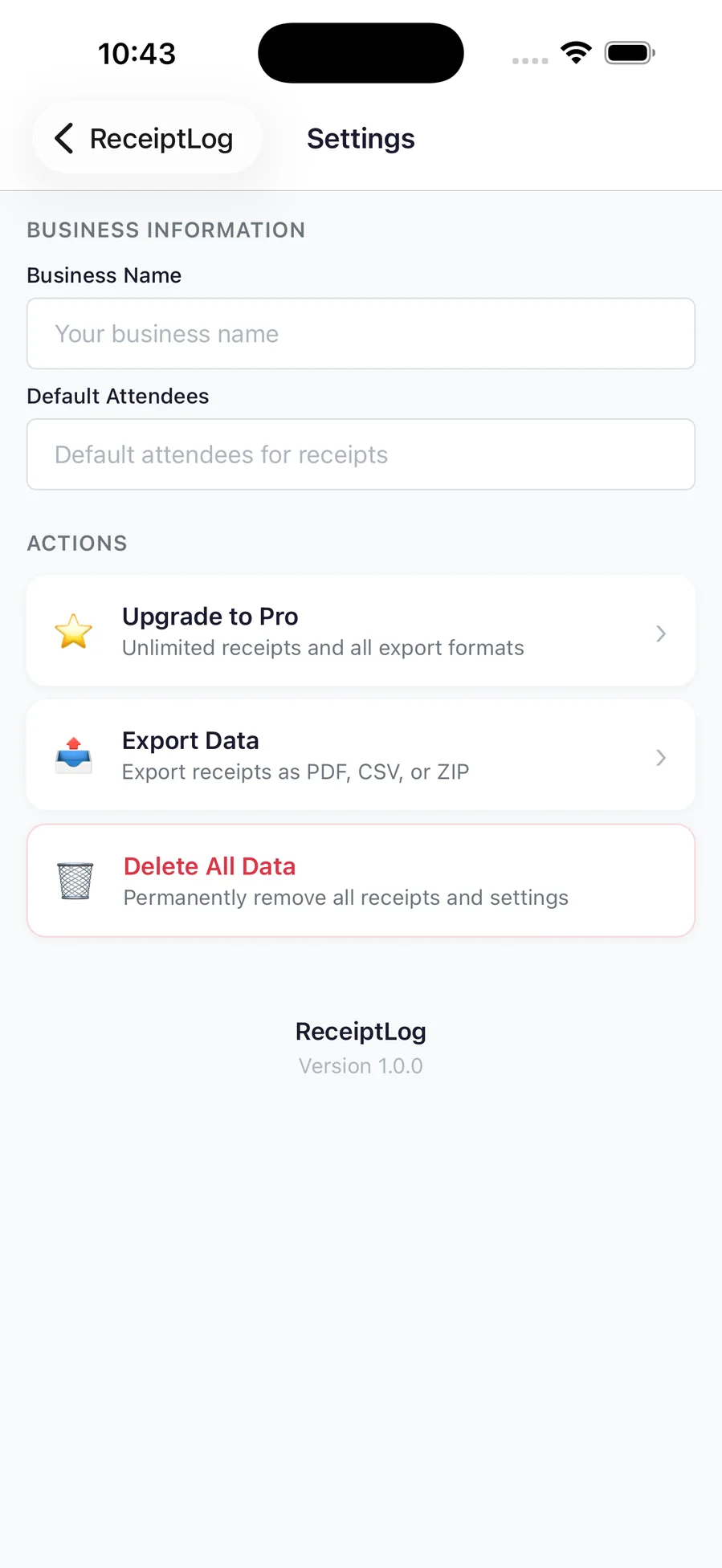
ReceiptLog is for the pile of paper in the glovebox. Photograph a receipt and it becomes a line in a list that is already totalled, already categorised, and already ready to hand over — with the photo still attached, so when someone asks what the $412.60 was, the receipt is right there. Merchant, date, total, tax and tip are read off the image and every one of them stays editable, because faded thermal paper is the normal case rather than the exception. It is built for a tax return rather than a budget: tax categories, a business justification, and an attendees field on the entries that need one, with a month header showing what you spent, how many receipts it took, and how much of it is deductible. At the end of the quarter, pick a date range and export it three ways — a formatted PDF report with the images, a CSV for a spreadsheet, or a ZIP containing the data and every photo — and the preview tells you exactly how many receipts and what total are in the range before you send anything. There is no sign-up and nothing to log in to; receipts live on your iPhone until you choose to export or share them. The free plan saves ten receipts a month and exports a PDF report. Pro is a one-time purchase — not a subscription — that removes the cap and adds CSV and ZIP export.
What it does
Who this is for
Sole traders, freelancers and anyone who spends the last week of the quarter flattening receipts on a kitchen table.
App Size
Specs
- Platform
- iPhone
- Built With
- React Native, Expo, expo-sqlite, StoreKit 2
- Requires
- iOS 16.0 or later
- Telemetry
- None. Apple handles payment and nothing about it reaches us. A receipt photo is sent to Google's Gemini API only in a build made with a key, and only when a Pro user captures one with scanning enabled.
ReceiptLog is still in the lab
Built and running, but not packaged for release — so there is nothing honest to link to yet. It ships when it ships.
Tell me when it shipsYou might also like

- iOS

Vitality
Meals, pantry and training in one place, with the nutrition maths done for you — and optional AI that runs on your own key

- iOS

Workout
A muscle map that shows which groups you actually trained this week, and an editor for writing the plans you actually do

- iOS

BabyHQ
Contraction timer, hospital bag, feeds, diapers and sleep — one app for the last week of pregnancy and the first weeks at home