
BatteryBuddy
- macOS
Detailed battery health info macOS hides — cycle count, temperature, wattage, capacity trends, and charge history charts
BatteryBuddy reads directly from IOKit's AppleSmartBattery to surface stats Apple doesn't show you: exact cycle count, battery temperature, real-time charge/discharge wattage, design vs current max capacity, and battery health percentage. A charge history chart (Swift Charts) tracks your battery level over 24 hours, 7 days, or 30 days, stored in a local SQLite database. A health trend graph shows your max capacity declining over weeks. Alerts fire when health drops below 80%, temperature exceeds 35°C, or you've been plugged in at 100% for too long.
What it does
Who this is for
MacBook users who want to maximize battery lifespan with real data.
Specs
- Platform
- macOS
- Built With
- Swift & SwiftUI
- Requires
- macOS 13+
- Telemetry
- None

You might also like
- macOS
Aware
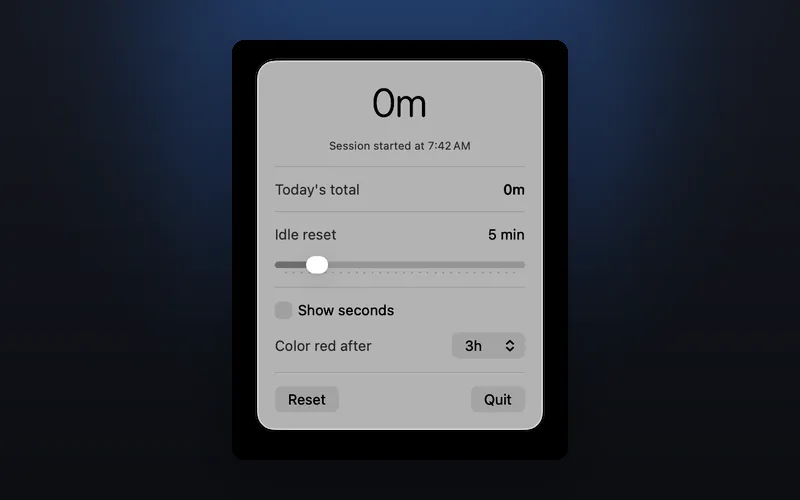
Tracks your active screen time with idle detection and session monitoring

- macOS

WindowTiler
Auto-tile any app's windows into a perfect grid with one hotkey
- macOS

Drip
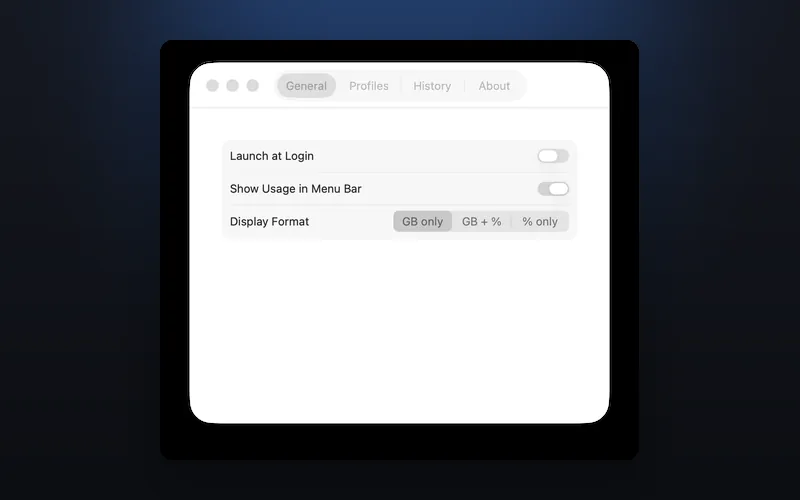
Real-time hotspot data usage tracking with configurable limits, alerts, and billing cycle resets