
VaultApp
- macOS
Encrypted file vault with AES-256-GCM, Touch ID, decoy vaults, and a panic lock hotkey
VaultApp encrypts your files with AES-256-GCM authenticated encryption and unlocks with Touch ID via Keychain integration. Create decoy vaults that open with a different password for plausible deniability. Securely delete files with 3-pass overwrite (random, zeros, random). Auto-lock on timer, screen lock, or system sleep. Panic lock with ⌘⇧L seals everything instantly. Finder integration adds a right-click 'Add to Vault' menu, and PBKDF2 key derivation with 600K iterations protects against brute force.
What it does
Who this is for
Privacy-conscious users who need to encrypt sensitive files on their Mac.
Specs
- Platform
- macOS
- Built With
- Swift & SwiftUI
- Requires
- macOS 13+
- Telemetry
- None
You might also like

- macOS

FolderPainter
Custom macOS folder icons — color tints, SF Symbols, images, and text overlays

- macOS

Peeky
Quick Look extension that previews Markdown, JSON, CSV, source code, ZIP archives, and folders
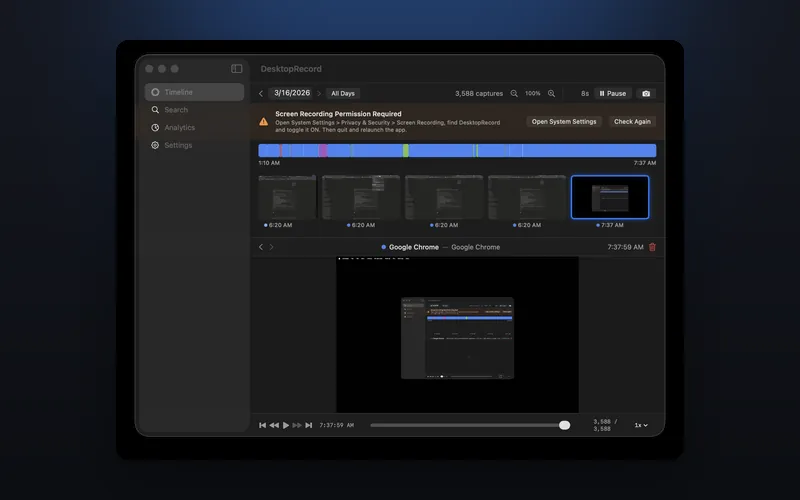
- macOS

DesktopRecord
A DVR for your desktop — continuously captures your screen with OCR-powered search and app analytics