
Drip
MENU BARAvailable
- macOS
Real-time hotspot data usage tracking with configurable limits, alerts, and billing cycle resets
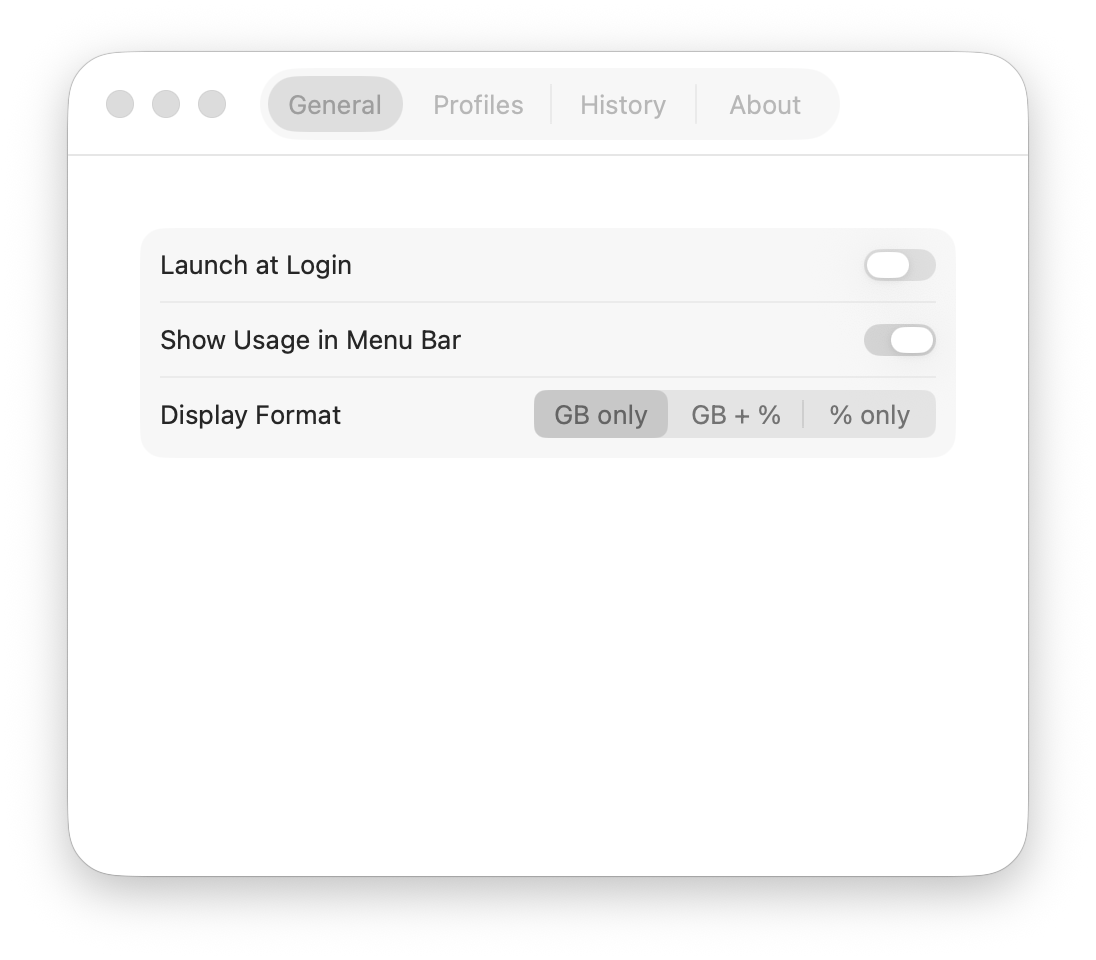
Drip sits in your menu bar and monitors your hotspot data usage in real-time. It detects active WiFi and USB tethering connections, tracks bytes against user-defined data limits, and sends alerts at 50%, 75%, 90%, and 100% thresholds. Create multiple profiles for different hotspots, configure daily/weekly/monthly billing cycle resets, and review session history. Never get surprised by overage charges again.
What it does
Real-time WiFi and USB tethering data monitoring
Configurable data limits with alerts at 50/75/90/100%
Multiple profiles for different hotspots
Daily, weekly, and monthly billing cycle resets
Session history tracking
Who this is for
Digital nomads and remote workers tethering on limited data plans.
Specs
- Platform
- macOS
- Built With
- Swift & SwiftUI
- Requires
- macOS 13+
- Telemetry
- None
data usagehotspot trackerbandwidth monitordata capnetwork monitortethering
You might also like

- macOS

Catch
Coming Soon · Q4 2026
Never miss a notification again — captures, logs, and lets you snooze every macOS notification
notification historynotification managernotification log

- macOS

Haze
Coming Soon · Q3 2026
Automatically dims inactive monitors to reduce eye strain and save power
monitor dimmingdisplay brightnesseye strain
- macOS

Shhh
AvailableFree
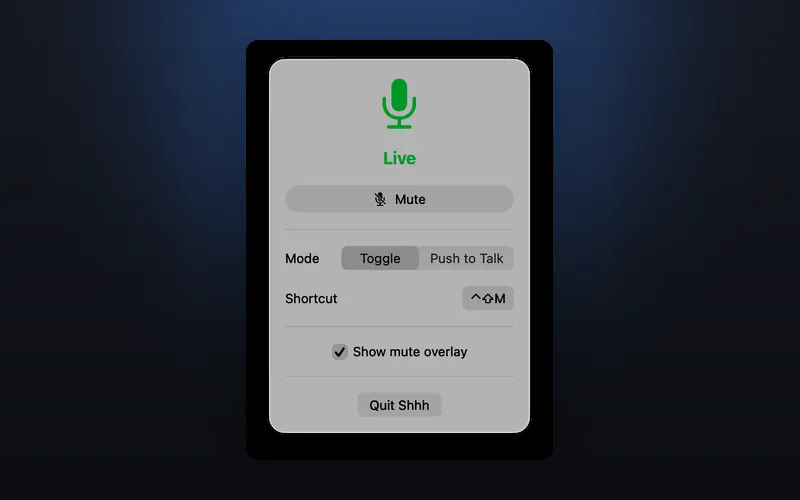
One-click microphone mute from your menu bar with a global hotkey toggle
microphone mutemic togglemute hotkey