
Afterburn
- macOS
Detects heavy CPU load and automatically pauses background processes to maximize performance, then restores everything
Afterburn monitors your CPU and GPU load via Mach kernel APIs and IOKit. When load exceeds your threshold (default 80% for 30+ seconds), it enters Afterburn mode: pausing Time Machine, throttling Spotlight, suspending background apps (SIGSTOP), and reducing system animations. When load drops, everything resumes automatically — paused processes get SIGCONT, Time Machine and Spotlight re-enable, and you get a notification with the session duration. Crashed? Afterburn stores paused PIDs to disk and resumes them on relaunch. Configurable profiles for Compiling, Rendering, or Light optimization.
What it does
Who this is for
Developers and creatives who run heavy builds or renders and want max performance.
Specs
- Platform
- macOS
- Built With
- Swift & SwiftUI
- Requires
- macOS 13+
- Telemetry
- None
You might also like
- macOS

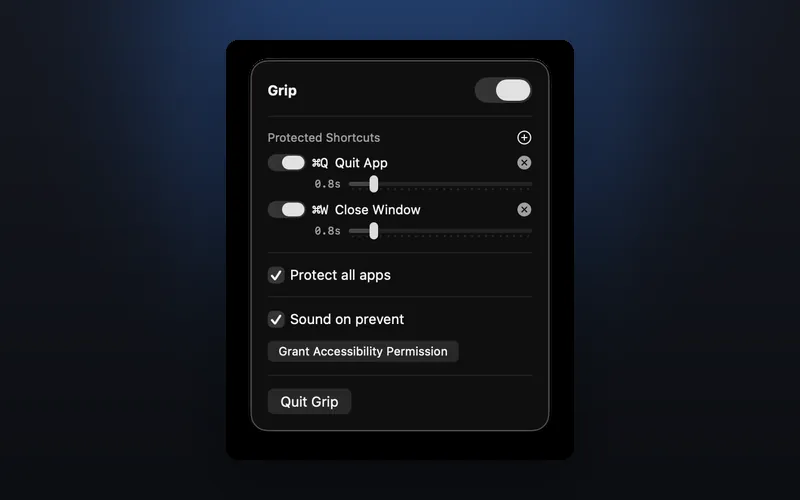
Grip
Prevent accidental Cmd+Q — hold to quit with a visual progress ring, release to cancel
- macOS
SoundDeck
Virtual audio mixer and soundboard — route sound effects through a virtual mic with hotkey triggers

- macOS

Watchdog
See who walked up to your Mac while you were away — face and motion detection, with every capture staying on the device