
Anchor
- macOS
Pin a live, real-time region of any window as a floating always-on-top overlay that continuously updates
Anchor lets you select any rectangle on screen and pin it as a floating, always-on-top panel that mirrors the source content in real time — not a screenshot, a live feed. Press Cmd+Shift+A to enter selection mode, drag a rectangle, and the region becomes a floating overlay updating at 10-15 FPS via CGWindowListCreateImage. Create multiple anchors simultaneously, resize them, adjust opacity, and optionally lock them to a specific window so they follow it when moved. Perfect for monitoring dashboards, chat windows, or reference material while working.
What it does
Who this is for
Multi-taskers who need to keep an eye on one thing while working on another.
Specs
- Platform
- macOS
- Built With
- Swift & SwiftUI
- Requires
- macOS 13+
- Telemetry
- None
You might also like

- macOS

HookCut
AI-powered highlight finder for podcasts and videos — transcribe, detect speakers, and export NLE-ready timelines
- macOS

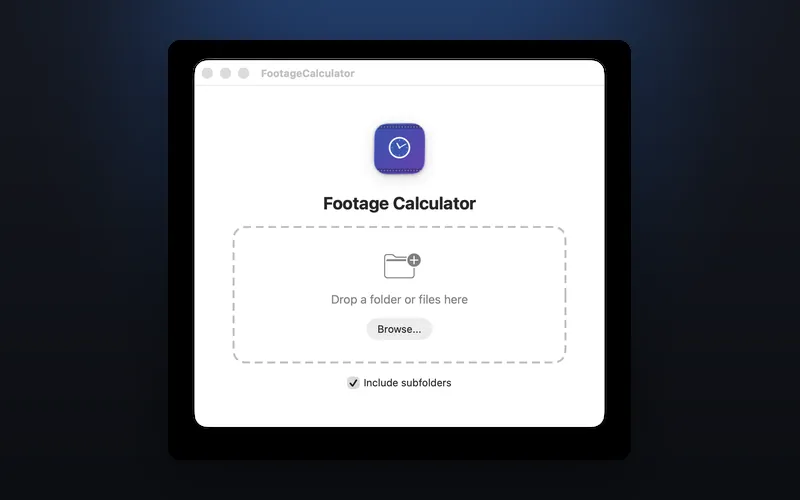
FootageCalculator
Scan folders and instantly total video footage duration across 20+ formats

- macOS

Upscalr
AI-powered image upscaling — enlarge images 2x or 4x with RealESRGAN and CoreML